


AIT Lab: Linux Workshop
bangkok, Thailand
intERLab at AIT
- Website
- http://www.interlab.ait.ac.th/training/2008/linux_ws.html
- Also
- http://www.interlab.ait.ac.th/training/registration/linux_ws.html
- Region
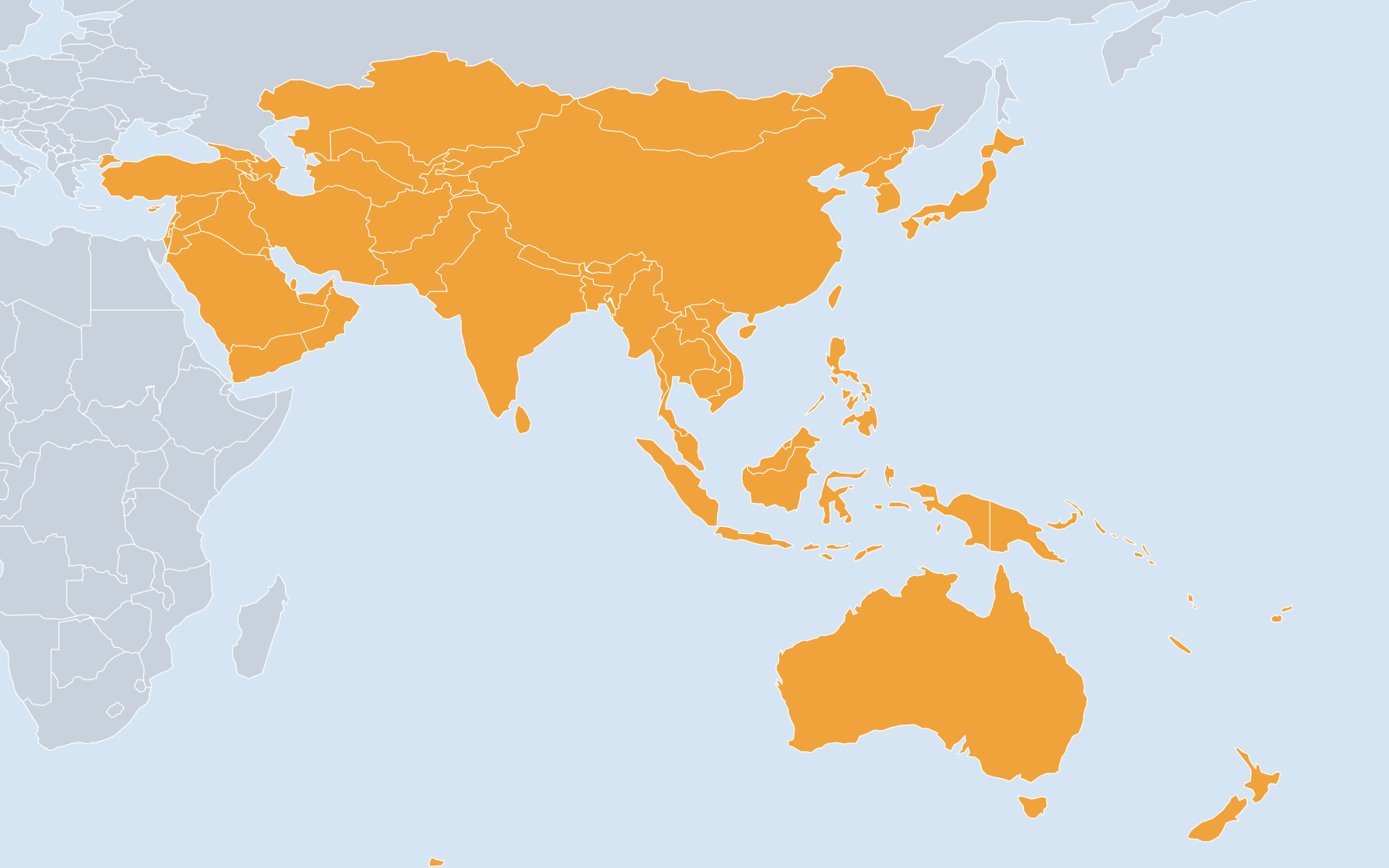
- Asia/Australia/Pacific
- Language
- English
- Listed by
- Administrative Account
Objectives:
Learn how to set up and operate linux server
Instructors:
Dr. Yasuo Tsuchimoto, AIT/ WIDE Project, Japan
Mr. Olivier Nicole, Senior Research Specialist, CSIM/SET, AIT
Materials
CD-ROM (1st: Ubuntu installation CD / 2nd: free tools)
Printed PPT slides Handbook (if there are any from Ubuntu)
Operating System we will use: Ubuntu (http://www.ubuntu.com)
Contents: (tentative, order can be changed)
1. About hardware
What hardware configuration for what service? Number of CPUs, size of memory, type of RAID, size of hard disks.
Type of hardware(server type? PC type?)
2. Installation of Ubuntu from the CD-ROM
- Step by step installation
- Configuration of the network
- Software RAID
3. Tightening the security
- Introduction of packaging system
- Installation and configuration of sudo Kernel reconfiguration
- System upgrade Port upgrade
4. Linux administration
- Adding users step by step
- Network configuration from the console Other commands used for administration
5. How to install and configure a service: example Apache web server
- Installation Apache Web server is used as an example of setting up a service
(this workshop won't go into the details of setting up a web site)
6. Remote administration of the server Installation and configuration of ssh Usage of a remote X window client
7. Back up and restore
This part may be limited to demonstration only due to the limitation of available training equipment.
8. Troubleshooting Tools (ping, traceroute, tcpdump, wireshark, telnet)
Boot in single user mode
Boot process fsck
9. Taking logs
The importance of time synchronization: NTP configuration
Using and configuring syslog
Analysis, how to read logs
Learn how to set up and operate linux server
Instructors:
Dr. Yasuo Tsuchimoto, AIT/ WIDE Project, Japan
Mr. Olivier Nicole, Senior Research Specialist, CSIM/SET, AIT
Materials
CD-ROM (1st: Ubuntu installation CD / 2nd: free tools)
Printed PPT slides Handbook (if there are any from Ubuntu)
Operating System we will use: Ubuntu (http://www.ubuntu.com)
Contents: (tentative, order can be changed)
1. About hardware
What hardware configuration for what service? Number of CPUs, size of memory, type of RAID, size of hard disks.
Type of hardware(server type? PC type?)
2. Installation of Ubuntu from the CD-ROM
- Step by step installation
- Configuration of the network
- Software RAID
3. Tightening the security
- Introduction of packaging system
- Installation and configuration of sudo Kernel reconfiguration
- System upgrade Port upgrade
4. Linux administration
- Adding users step by step
- Network configuration from the console Other commands used for administration
5. How to install and configure a service: example Apache web server
- Installation Apache Web server is used as an example of setting up a service
(this workshop won't go into the details of setting up a web site)
6. Remote administration of the server Installation and configuration of ssh Usage of a remote X window client
7. Back up and restore
This part may be limited to demonstration only due to the limitation of available training equipment.
8. Troubleshooting Tools (ping, traceroute, tcpdump, wireshark, telnet)
Boot in single user mode
Boot process fsck
9. Taking logs
The importance of time synchronization: NTP configuration
Using and configuring syslog
Analysis, how to read logs