


AIT Lab: Multicast Workshop
Bangkok, Thailand
Training room, intERLab, AIT, Thailand
- Website
- http://www.interlab.ait.ac.th/training/2007/multicast.html
- Also
- http://www.interlab.ait.ac.th/contact_us.html
- Region
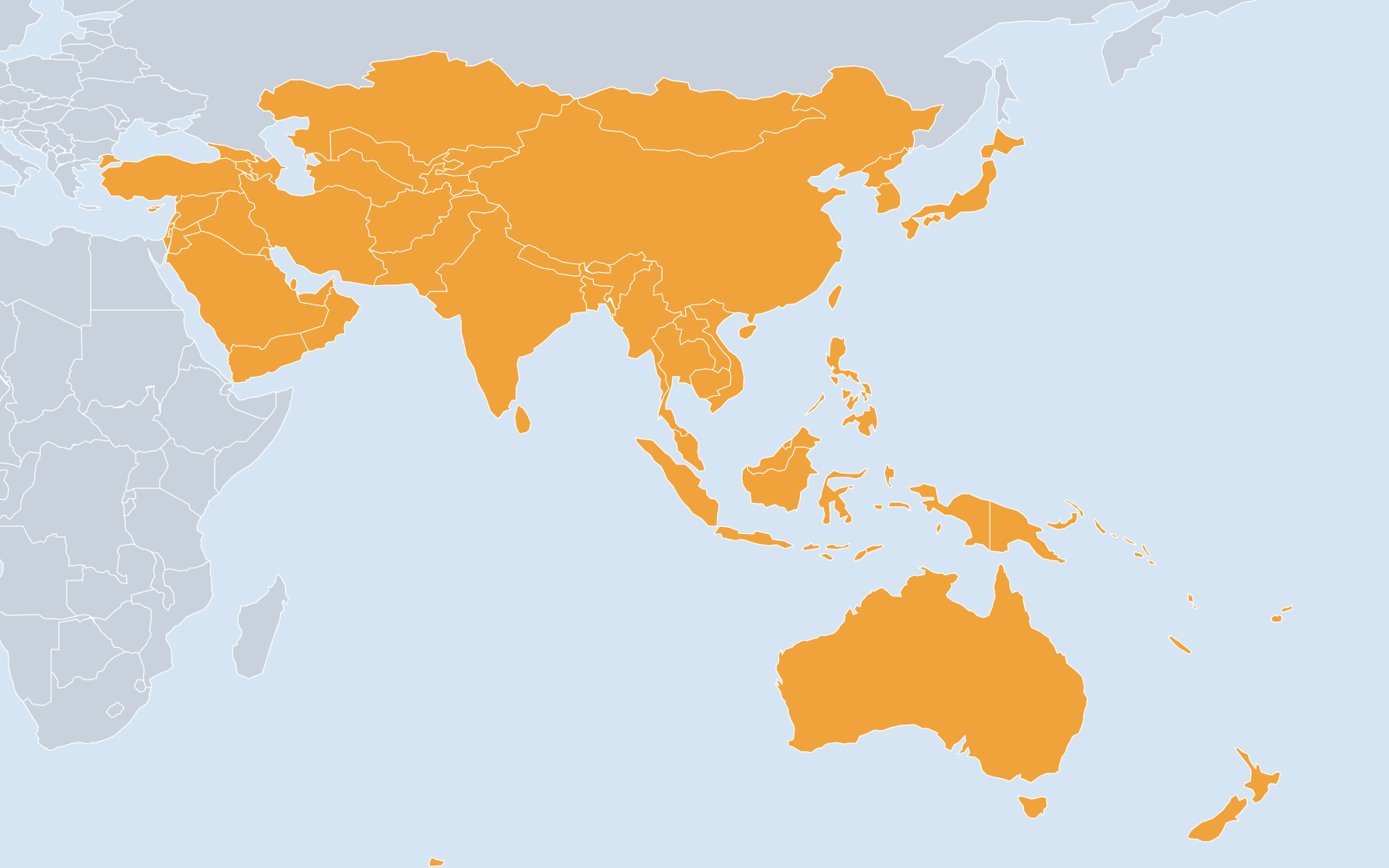
- Asia/Australia/Pacific
- Language
- English
- Organizer
- Email the organizers
- Listed by
- Administrative Account
Instructors: Greg Shepherd (Cisco), John Zwiebel (Cisco)
Objectives
To get participants to design and set up a set of inter-connected multicast networks.
After having experienced this workshop as a student, an attendee will be able to engineer multicast networks within his/her campus/organization, to explain multicast engineering concepts to peers, and, in some cases, to help teach or facilitate future multicast workshops.
Who should attend?
This is a technical workshop, made up of lectures and hands-on lab work. Open to technical staff and Network Engineer/Administrators who are now or soon will be deploying IPMulticast services on a IP based Internet Service Provider (ISP) network, Enterprise network, Campus network or Internet exchange Point (IXP), for one-to-many and/or many-to-many data/media/NGN distribution services and applications.
Course Duration
3 days
Course Contents
This training covers the followings topics:
- Router Configuration
- Multicast addressing
- Protocol Soup
- IGMP (Internet Group Membership Protocol) used by hosts and routers to tell each other about group membership
- PIM-SM (Protocol Independent Multicast - Sparse Mode) used to propagate forwarding state between routers.
- SSM (Source Specific Multicast) utilizes a subset of PIM's functionality to guaranty source-only trees in the 232/8 range.
- MSDP (Multicast Source Discovery Protocol) used to exchange ASM active source information between RPs.
- MBGP (Multiprotocol BGP) used to exchange routing information for interdomain RPF checking.
- SSM & other topics
- Deploying multicast in a multi-vendor environment
Prerequisite
Cisco IOS Fundamentals; IGP and BGP router configuration basics.
Objectives
To get participants to design and set up a set of inter-connected multicast networks.
After having experienced this workshop as a student, an attendee will be able to engineer multicast networks within his/her campus/organization, to explain multicast engineering concepts to peers, and, in some cases, to help teach or facilitate future multicast workshops.
Who should attend?
This is a technical workshop, made up of lectures and hands-on lab work. Open to technical staff and Network Engineer/Administrators who are now or soon will be deploying IPMulticast services on a IP based Internet Service Provider (ISP) network, Enterprise network, Campus network or Internet exchange Point (IXP), for one-to-many and/or many-to-many data/media/NGN distribution services and applications.
Course Duration
3 days
Course Contents
This training covers the followings topics:
- Router Configuration
- Multicast addressing
- Protocol Soup
- IGMP (Internet Group Membership Protocol) used by hosts and routers to tell each other about group membership
- PIM-SM (Protocol Independent Multicast - Sparse Mode) used to propagate forwarding state between routers.
- SSM (Source Specific Multicast) utilizes a subset of PIM's functionality to guaranty source-only trees in the 232/8 range.
- MSDP (Multicast Source Discovery Protocol) used to exchange ASM active source information between RPs.
- MBGP (Multiprotocol BGP) used to exchange routing information for interdomain RPF checking.
- SSM & other topics
- Deploying multicast in a multi-vendor environment
Prerequisite
Cisco IOS Fundamentals; IGP and BGP router configuration basics.